Photos to your computer
Choose photos and documents available on your phone, then send them directly to a nearby LanSender device.
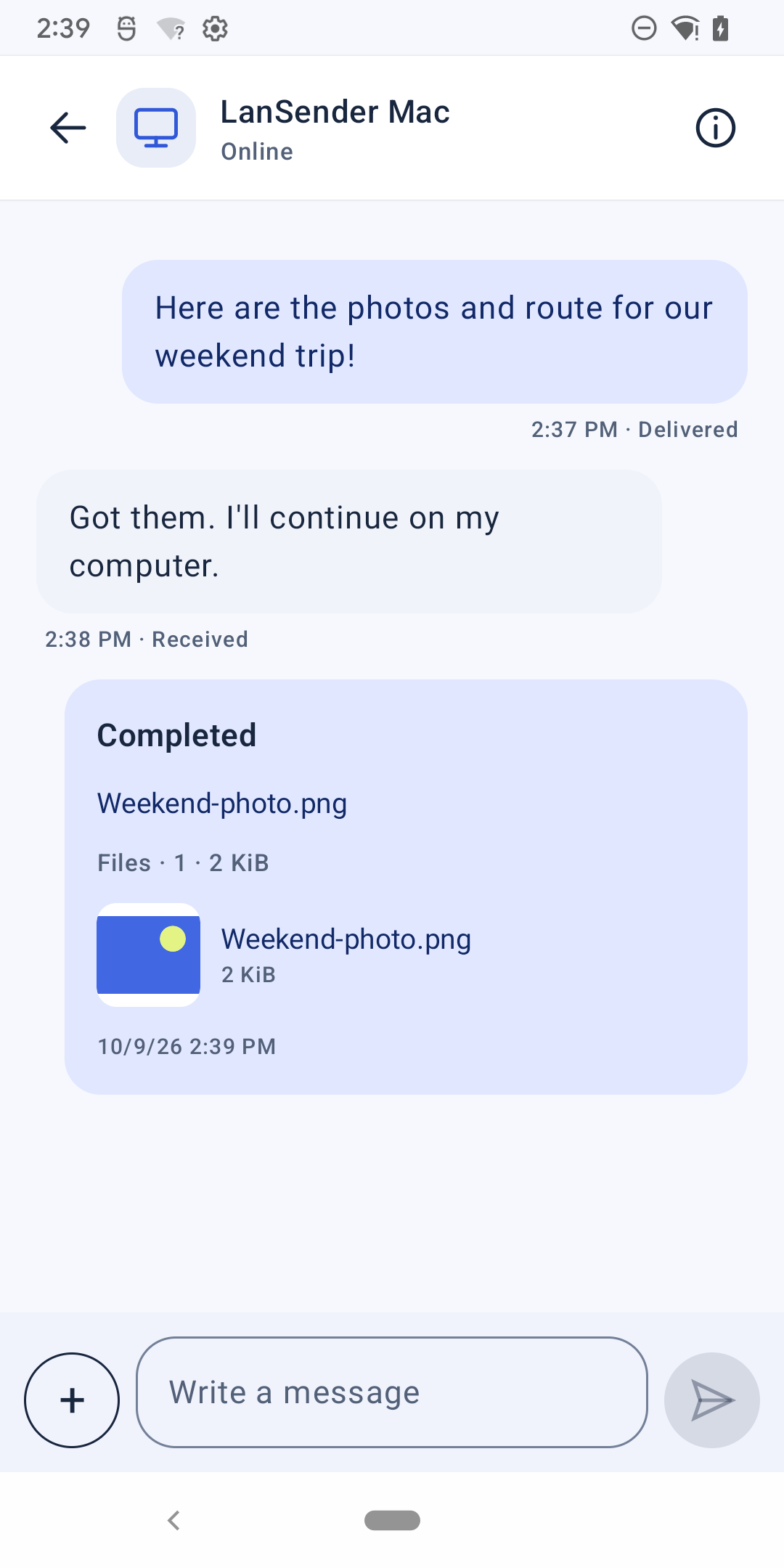
Put phone photos and documents on the computer where you need them. Open a conversation with a nearby device and send a note with the files.
Android 8.0 or later
Open the downloaded APK. When asked, allow your browser or file manager to install this app. Install future updates over the existing version.
Used a development build? The release uses a different signature and cannot update it directly. Keep the original app and export any files you need. Chat history cannot be transferred between differently signed apps.
Requires Android 8.0 or later. One APK includes arm64-v8a, armeabi-v7a and x86_64.

File checksum · APK
cbbc31a0c964d7feae185201801750f4d46506da6c6b0dfbdcb46e10abf97cb3Choose photos and documents available on your phone, then send them directly to a nearby LanSender device.
One official package includes versions for the supported processors. Check your Android version, then use the same APK download.
Install a new official APK over the existing official website version. There is no need to uninstall it first.
Keep LanSender open on both devices, on a local network that allows them to connect. The recipient chooses whether to accept incoming files.
Download the new APK from this website and install it over the existing website version to keep your chats and settings. Do not uninstall first. Earlier development builds use a different signature and cannot be updated this way or transfer chat history; keep the original app and export any files you need.
Check that both apps are open, local network access is allowed, and your Wi-Fi permits devices to communicate. Two devices on a guest network may be isolated even when the network name is the same.