One file to open
Download the executable for your PC and double-click it. The Windows version does not use an installer.
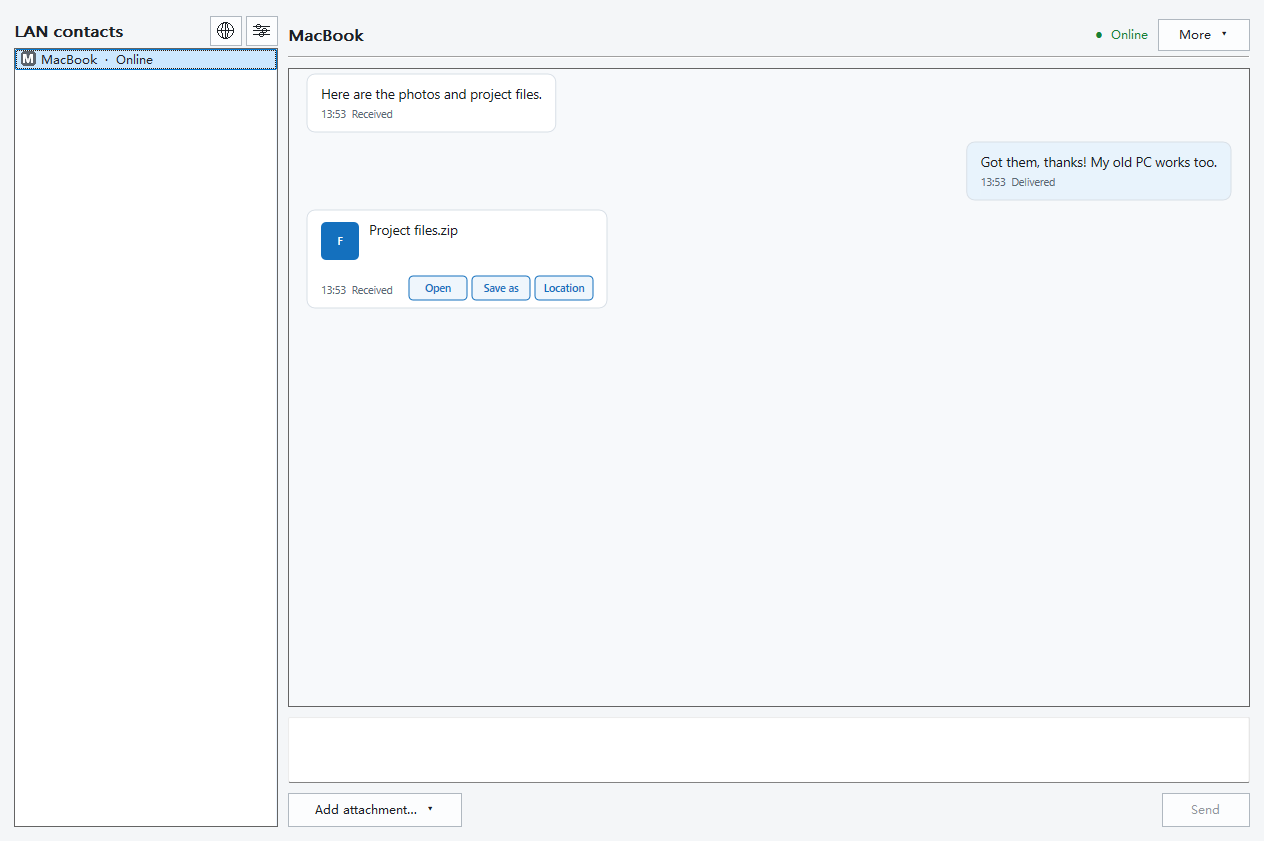
Bring a new laptop and an older PC into the same conversation. Send a message, share a few files or move a complete folder without installing the Windows app.
Windows 7 / 8 / 8.1 / 10 / 11 · Works on 32-bit and 64-bit systems
Download and double-click to open. No extra runtime libraries to install. To update, quit the app and replace the old file. Keep the app's data folder.
A 32-bit app that also runs on 64-bit Windows.

File checksum · EXE
940df192cb47a266556eaa3d9570d5d06faea0c73aa98cc7cd7537c085e723eeSHA-256 ↗Windows 10 22H2 / Windows 11 · ARM64
Download and double-click. No installer is needed. Quit the app before replacing it with an update.
For ARM64 PCs only. Intel and AMD PCs use the separate Windows download.
File checksum · EXE
282af017afa7286e66644eda0b70c3b60cd65215d3fd915ae02b25d4afec1a85Windows XP RTM · 32-bit x86
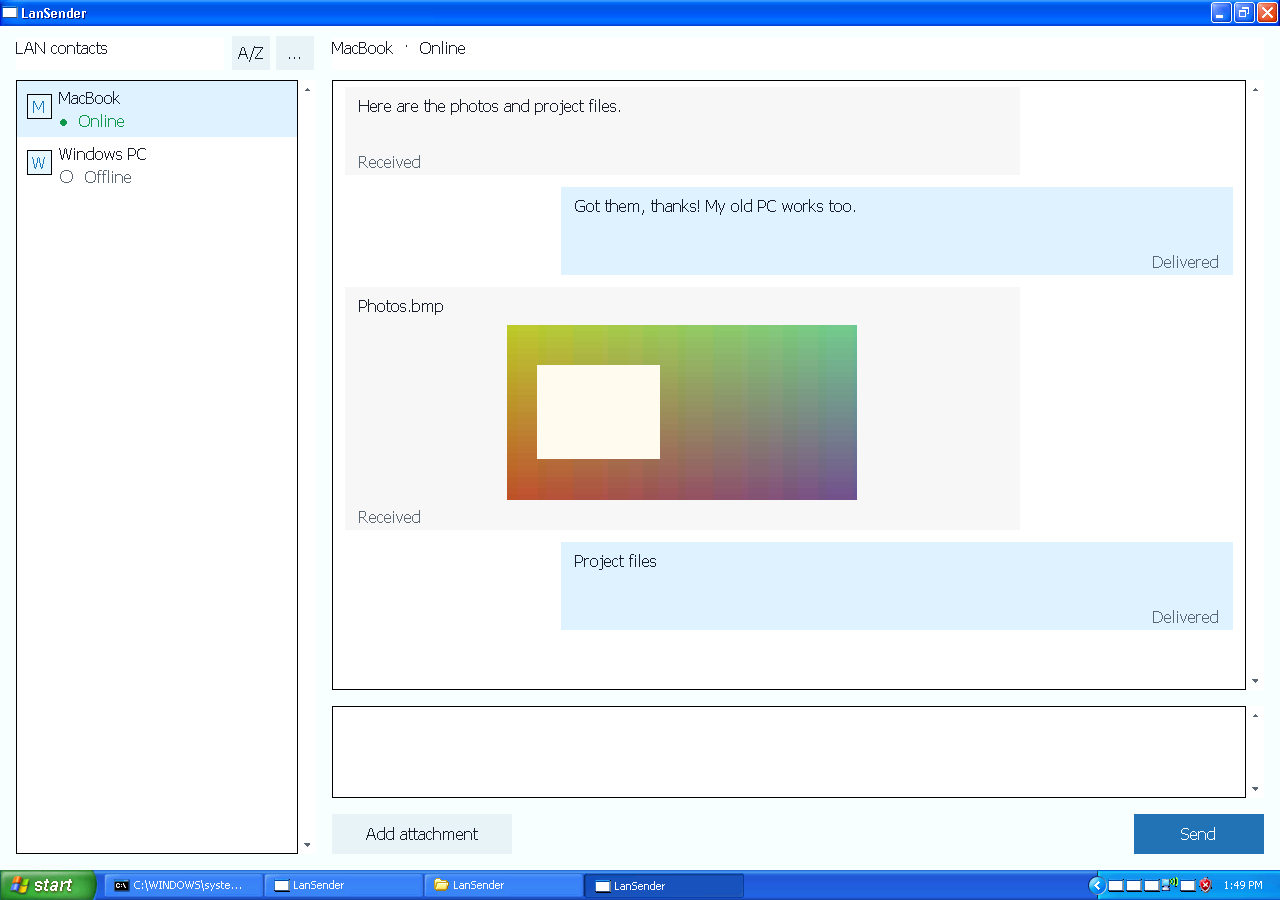
Download the dedicated XP version and run it locally. To update, quit the app, keep its data folder, and replace the program file.
XP no longer receives operating system security updates. Use it on a trusted, controlled local network. App encryption cannot fix operating system vulnerabilities.

File checksum · EXE
4f786ce0570684aa8fbc4d0f2bffff452fe93161b62f859cebe8284fc77e0245SHA-256 ↗Download the executable for your PC and double-click it. The Windows version does not use an installer.
The dedicated XP version gives an older computer a way to exchange files with compatible LanSender clients on your network.
Send text alongside files and folders, and follow transfer progress in the conversation.
Keep LanSender open on both devices, on a local network that allows them to connect. The recipient chooses whether to accept incoming files.
Choose the Intel / AMD download. Its 32-bit executable runs on both 32-bit Windows and 64-bit Windows with WOW64. ARM64 is for ARM processors.
No. XP no longer receives operating system security updates. Use it only on a trusted, controlled local network; application encryption cannot repair operating system vulnerabilities.