An old PC can still hold useful photos and documents. LanSender lets you copy those files to another computer on the same local network without uploading them to a cloud drive.
Choose the right download for each computer
On the old machine, use the dedicated 32-bit XP download on the Windows download page. On the receiving computer, choose its own Windows, Mac or Linux version. Do not copy the XP executable to a Mac and expect it to run there.
This is file copying, not a Windows migration tool. Installed programs, system settings and software licences are not moved by sending their folders. Reinstall applications separately using their supported installers.
Connect the computers locally
Connect both computers to the same router by Wi-Fi or Ethernet and open LanSender. An Ethernet cable to the router is often practical for an old desktop. Local file transfer does not require uploading the contents to the internet.
Choose the other computer from the device list. Use the names shown in each app to check the destination. If the list is empty, see device discovery help. Keep the firewall enabled and allow LanSender's local communication when the system prompts you.
Send a folder of personal files
Start with a folder you can identify, such as a group of documents or photos. In the conversation, add that folder and send it. You do not need to pick every nested file separately.
On the new computer, accept the request and choose a new destination folder, for example “Files from old PC”. Keeping this copy separate makes it easier to compare it with the original and avoids mixing old and new files.
Verify before clearing the old computer
Wait for completion, then open the destination folder. Check its subfolders, compare file counts and open several important files. Some old document formats need a compatible application on the new computer; a successful copy does not convert their format.
Keep the original files until you have verified the copy and made any backup you need. If a transfer fails, inspect the destination before sending the missing files again. LanSender does not automatically resume an interrupted transfer.
Interface examples
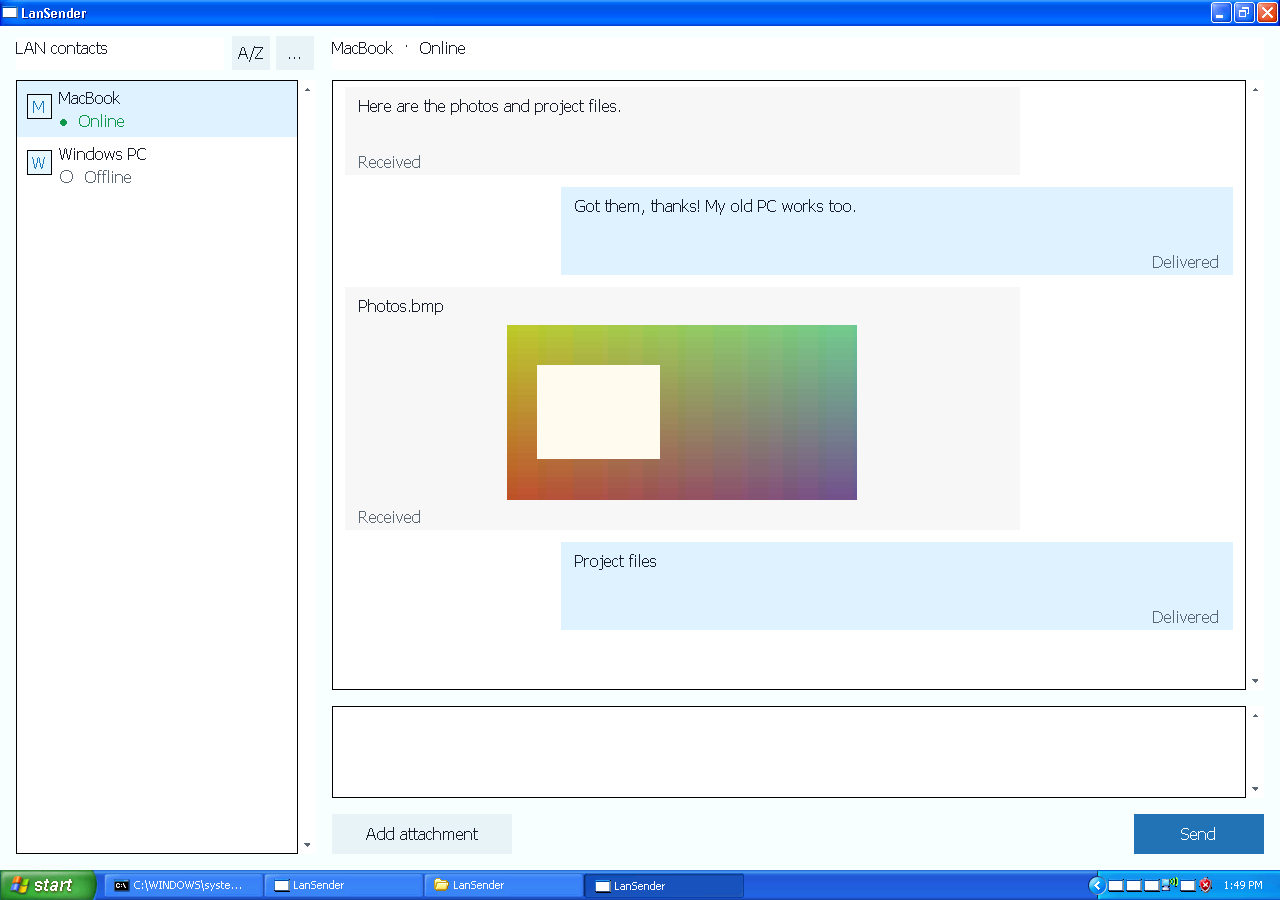
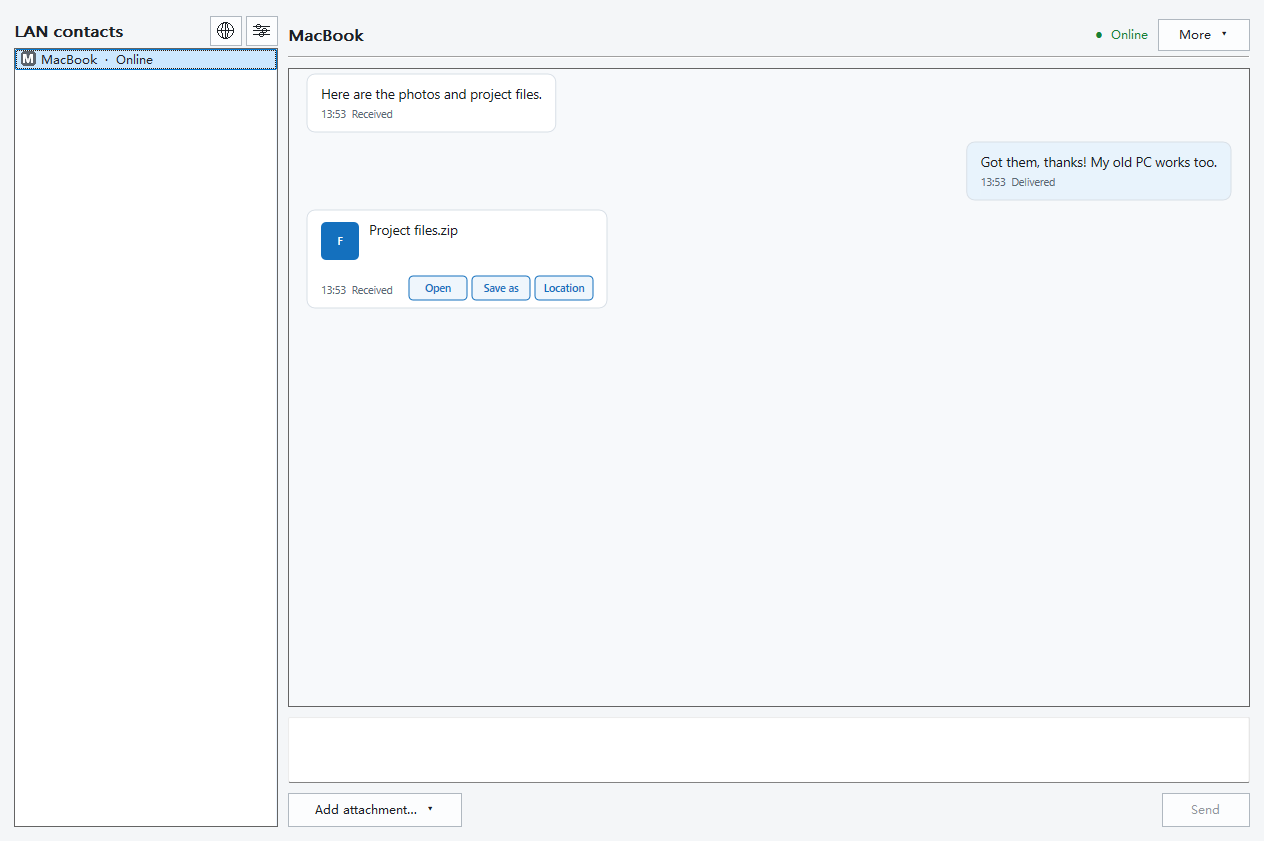
The XP and Windows previews illustrate where conversations and attachments appear. They use example devices and files; their language and theme follow this page.
See the app Windows XP

See the app Windows

Copy another folder
Repeat for the personal folders you want to keep. Avoid treating the whole Windows or Program Files directory as a portable system. See sending whole folders for folder handling, or support if a file cannot be read or saved.